
How to Add an Article Star Rating System in Blogger Using Firebase & JavaScript
In this guide, we are going to share with you how to add an article rating system to your Blogger website with the help of Firebase.
In this guide, we are going to share with you how to add an article rating system to your Blogger website with the help of Firebase.
Frequently Asked Questions are commonly used on websites to organise information well and to give answers to users' common questions in a proper, user-friendly, and clear way. Instead of displaying questions and answers in a simple block of text.
The latest posts slider is one of the best ways to make your Blogger website more intractive. Instead of displaying a simple list or grid of posts, the slider presents them in a visually appealing format that helps you to attract visitors to your website.
In this guide, you will learn to create a modern about page for Blogger using pure CSS, HTML and JavaScript. This about page includes multiple useful sections like the Website intro section, the social media link section, the author info section, the live stat section, and the recent posts section.
Adding video content to your website is one of the best ways to make it more engaging for users. Embedding YouTube videos on websites is a common practise across blogs, educational websites, news websites, and entertainment websites. Adding a YouTube player with a playlist section is one of the cleaner ways to add multiple YouTube videos to your website.
If you are running a blog or music streaming website, adding a modern and advanced-level music player is one of the best ways to make your website more interactive for users and to improve the browsing experience. Instead of relying on third-party widgets, many developers like to go with pure coding, which gives full control over the element.
Many users spend so much time reading articles, browsing websites or studying online in front of the screen. Spending so much time in front of the screen is not good because it can cause problems like eye strain or discomfort.
Adding a smart health reminder toast notification on your website is one of the best ways to improve user experience and help users avoid long screen sessions. Several modern websites already use this reminder system to suggest actions like drink water, take a break or reduce continuous screen time. These small reminders provide users with a more user-friendly and better browsing experience.
Adding a ripple effect to your website is one of the best ways to make your website feel modern and attractive to its users. Nowadays, Many popular websites use ripple click effect in their website to provide their users with visual feedback when users click links, buttons or other elements in the website. A well-made ripple click effect can improve user experience by providing smoother animation and a modern design.
This thumbnail generator tool uses the HTML5 Canvas API to dynamically generate thumbnails with a live preview for users. This tool allows users to customise everything, including fonts, colours, shapes, icons, gradients, labels, texts, and even export file formats like users can export images in PNG, JPG and WEBP formats.
A domain-based license system helps to make your element or theme safe by verifying whether the domain exists or not in the post; if it does not exist, it redirects to the main domain with an alert message.
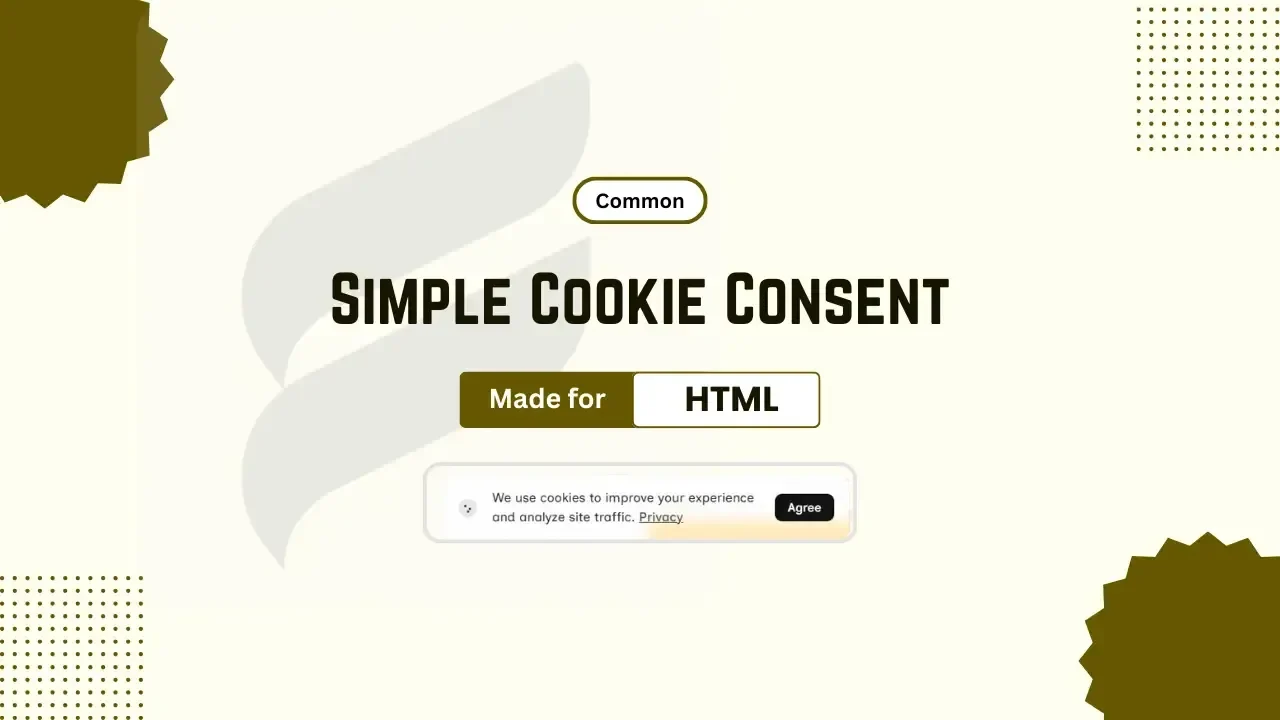
Adding cookie consent to your website is one of the important steps to gain trust from users and comply with privacy regulations. If you are running a blog, portfolio, downloading or a business website, cookie consent is must have element in your website to ensure better transparency between your website and its users. With a simple, responsive and modern design, it doesn't make your website interface messy or ugly. It improves users' trust by telling users for what purpose or why your website uses cookies.
The Blogger adds ?m=1 automatically in mobile URLs to display the mobile version of that website, but now most of the themes are being released as fully responsive themes, so this extra parameter is no longer needed. Nowadays, this ?m=1 parameter is causing problems in indexing for some blogger websites in the name of redirect error, other canonical tags, etc.
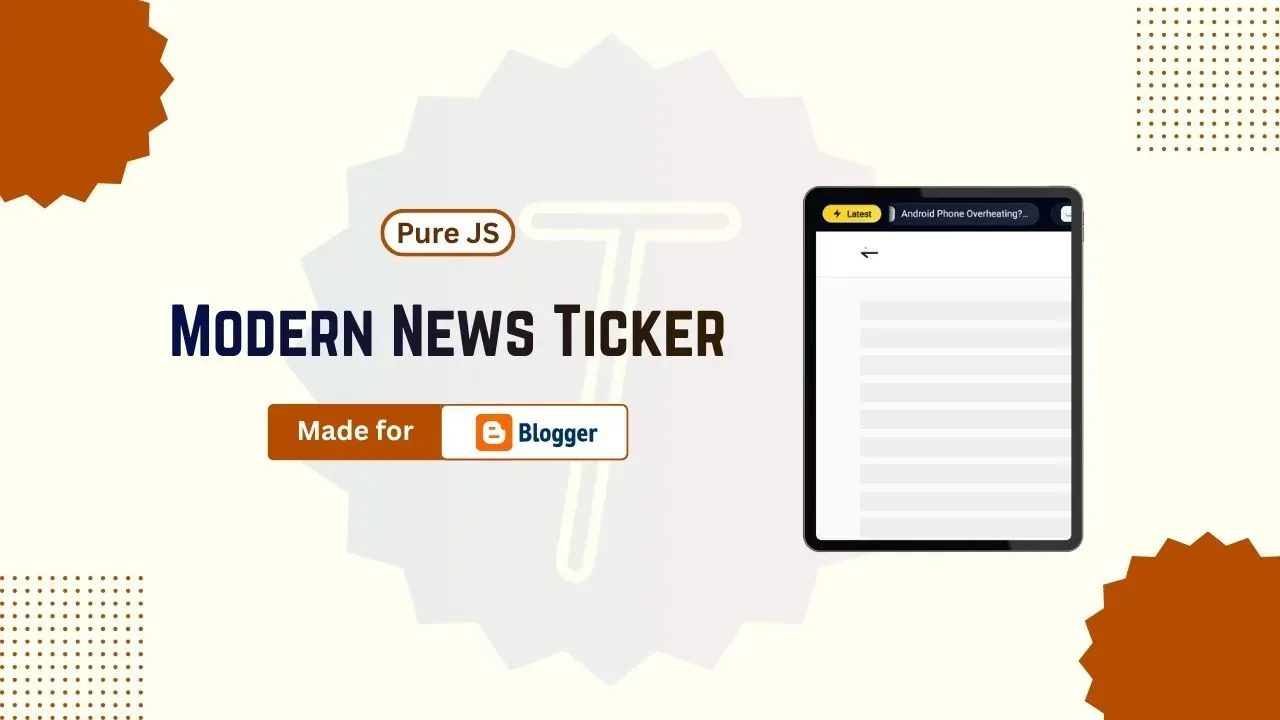
Adding a news ticker in Blogger is one of the best ways to feature new content, especially when your site is long, and also, if the design is good, then it also makes your website more attractive. In this tutorial, you will understand how to add a modern-style news ticker widget to your Blogger website using pure JavaScript instead of external heavy libraries or plugins.
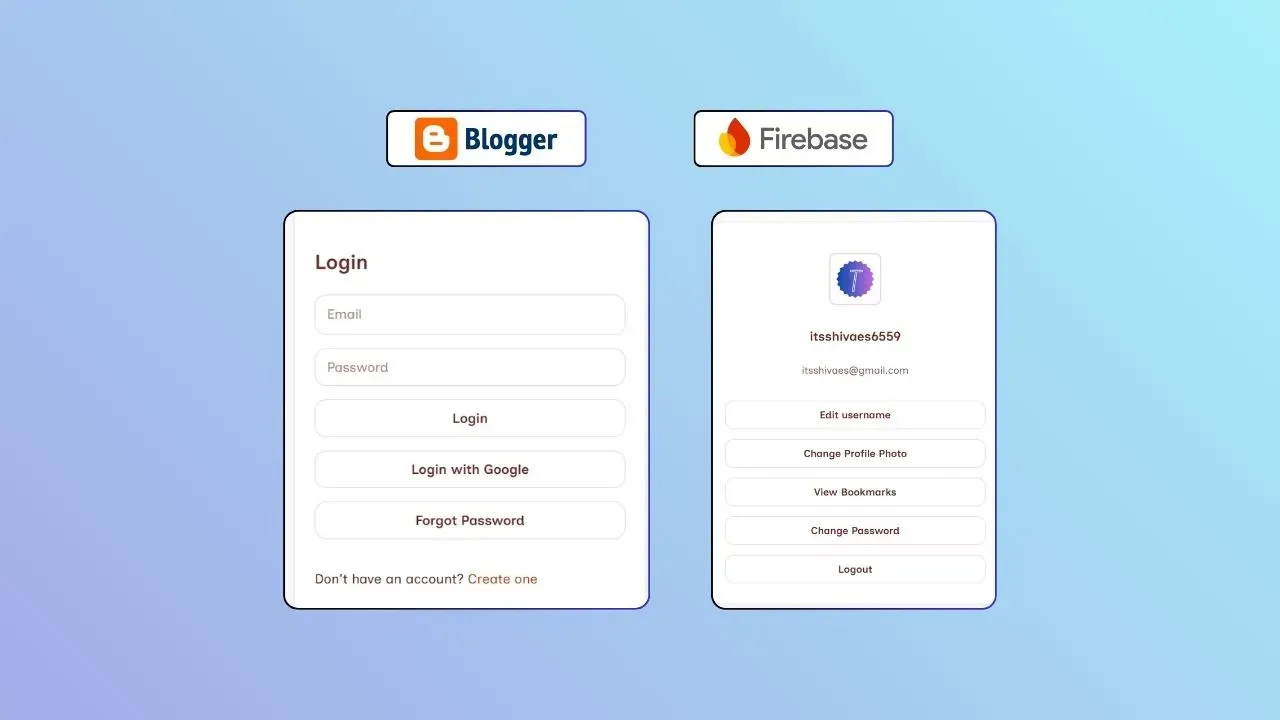
Adding login and signup features to your Blogger website is one of the best ways to make it more attractive and engaging to users. By implementing login and signup features in your website, you can allow users to sign in securely to your website and give them access to amazing content and features in your website that are only available to logged-in users.
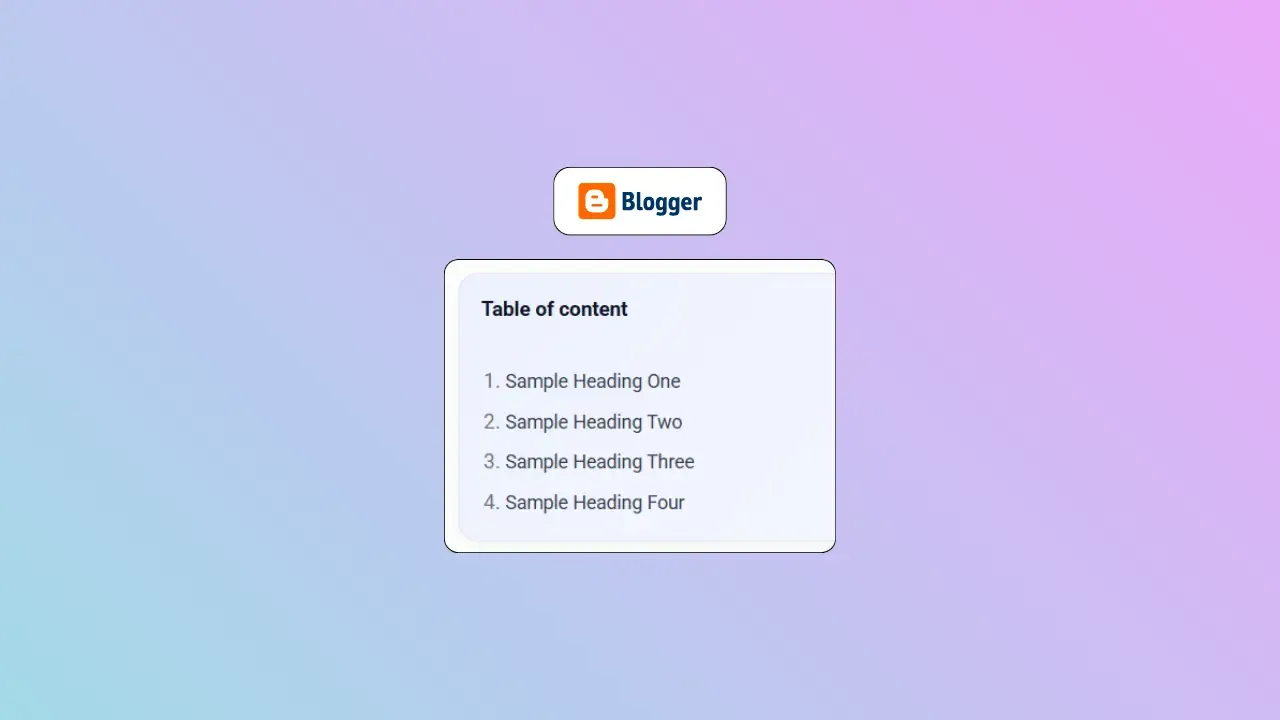
When you write long posts, it is difficult to reach the exact position of the posts your visitors need, which later may also become the reason to visitor to ignore your website. To avoid this situation, we implement a table of content in our website. An automatically well-organised table of contents gives your website a professional touch. The Table of contents also helps your website visitors to save time by scrolling a lot.
Adding a like and dislike feature to your Blogger website helps you to improve your website's user engagement. Several popular websites use this feature to allow users to express their opinion about a post easily and quickly. In Blogger, this feature is not available by default; to add it, we need to use CSS, HTML, JS and Firebase.