
Posts tagged with "Common"···
How to Create a Modern YouTube Video Playlist Player Using Pure JavaScript

How to Create a Modern YouTube Video Playlist Player Using Pure JavaScript

Adding video content to your website is one of the best ways to make it more engaging for users. Embedding YouTube videos on websites is a common practise across blogs, educational websites, news websites, and entertainment websites. Adding a YouTube player with a playlist section is one of the cleaner ways to add multiple YouTube videos to your website.

How to Add Smart Health Reminder Toast Notifications in Website Using JavaScript

How to Add Smart Health Reminder Toast Notifications in Website Using JavaScript

Adding a smart health reminder toast notification on your website is one of the best ways to improve user experience and help users avoid long screen sessions. Several modern websites already use this reminder system to suggest actions like drink water, take a break or reduce continuous screen time. These small reminders provide users with a more user-friendly and better browsing experience.

How to Add a Modern Ripple Click Effect Using Pure CSS & JavaScript

How to Add a Modern Ripple Click Effect Using Pure CSS & JavaScript

Adding a ripple effect to your website is one of the best ways to make your website feel modern and attractive to its users. Nowadays, Many popular websites use ripple click effect in their website to provide their users with visual feedback when users click links, buttons or other elements in the website. A well-made ripple click effect can improve user experience by providing smoother animation and a modern design.

Create a Generator Tool Using HTML, CSS & JavaScript

Create a Thumbnail Generator Tool Using HTML, CSS & JavaScript

This thumbnail generator tool uses the HTML5 Canvas API to dynamically generate thumbnails with a live preview for users. This tool allows users to customise everything, including fonts, colours, shapes, icons, gradients, labels, texts, and even export file formats like users can export images in PNG, JPG and WEBP formats.

How to Create a Simple Cookie Consent Banner with CSS & JS

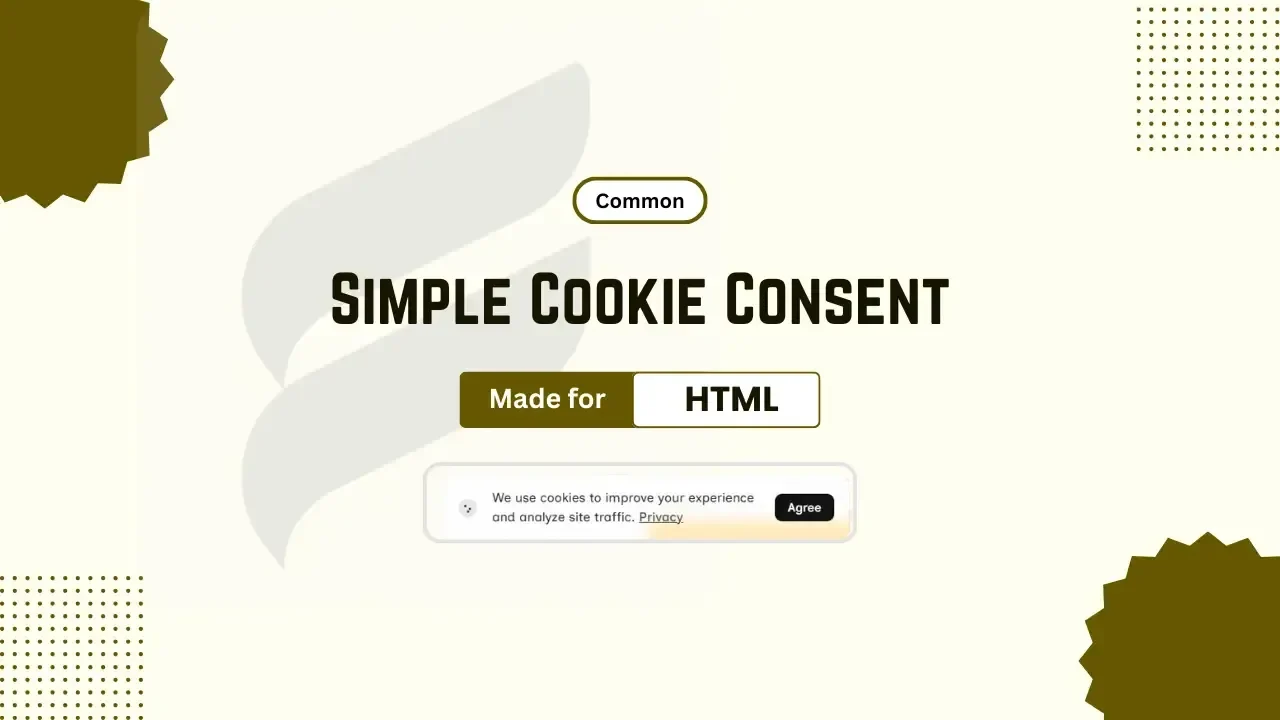
How to Create a Simple Cookie Consent Banner with CSS & JS

Adding cookie consent to your website is one of the important steps to gain trust from users and comply with privacy regulations. If you are running a blog, portfolio, downloading or a business website, cookie consent is must have element in your website to ensure better transparency between your website and its users. With a simple, responsive and modern design, it doesn't make your website interface messy or ugly. It improves users' trust by telling users for what purpose or why your website uses cookies.

What Is WebP? Format Explained and Why Websites Use It

What Is WebP? Image Format Explained and Why Websites Use It

Websites are no longer judged by just their design; nowadays, a good website should be well optimised along with its design, and even a small delay in loading can increase bounce rate. Images also have a good role in website optimisation; if images are not optimised very well, it can cause low performance of the website.